Bought on the website?
Bought something on streamui.fun in your web browser instead of in the app? No problem: it’s the same purchase. The app just didn’t see you buy it, so you bring the file in yourself. It takes about a minute.
How buying on the website works
Section titled “How buying on the website works”This is how the website describes it:
- Hit I WANT THIS ↗. Gumroad’s secure checkout opens right on the page.
- Pay with card, PayPal, Apple Pay or Google Pay.
- Your download link arrives instantly by email and lives forever in your Gumroad Library.
You don’t need a Gumroad account to buy: checkout works as a guest. A free Gumroad account makes downloading again later easier.
Bring your purchase into the app
Section titled “Bring your purchase into the app”-
Open the receipt email Gumroad sent you and use its download link. Have a Gumroad account? You can also open your Gumroad library and sign in with the email you bought with. (Can’t find the email? See Can’t get into your Gumroad library?)
-
Download the product’s .zip, for example
graveyard-chat.zip. It’s the only download. Keep it zipped.Inside, next to the file for the app, there’s a folder of files for using the product in OBS, StreamElements and other streaming apps without the app. You don’t need to take anything out: the app finds its file.
-
Open Stream UI Fun Studio and drag the .zip onto its window. Drop to unlock appears: let go.
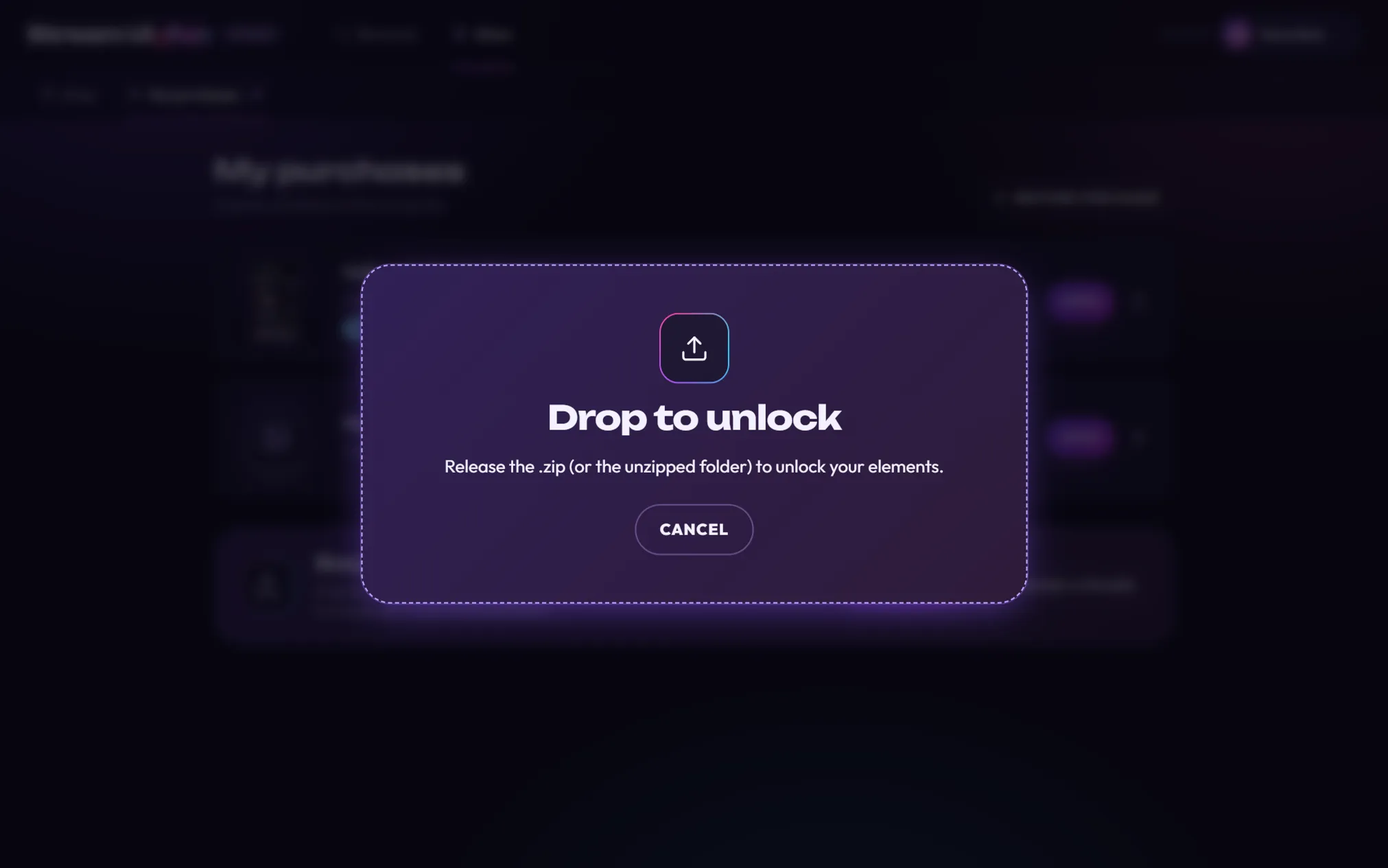
Prefer clicking? Go to Store → My purchases and click Browse… in the Bought something? box, then pick the .zip.

-
You see You’re all set! Click Open to see your new elements in the Elements tab.
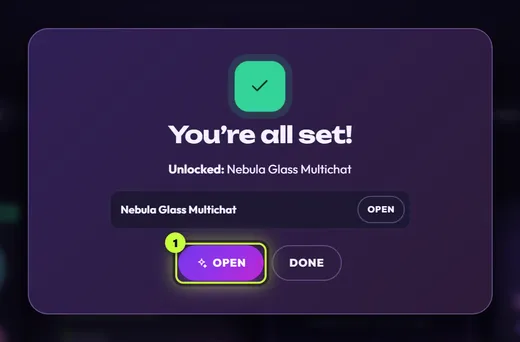
If you see Almost there!, this pack also needs the license key from your receipt. See License keys.
Bought several packs? Download each one’s .zip, then click Restore purchases in Store → My purchases. The app finds them in your Downloads folder and unlocks them together. See Restore purchases on a new PC.
Good to know
Section titled “Good to know”- No waiting banner. When you buy on the website, the Store doesn’t show Waiting for … and doesn’t watch your Downloads folder. That only happens when you buy from the app’s Store tab.
- It shows as owned in the app. Once unlocked, the pack gets an OWNED flag in the app’s Shop, and its button becomes OWNED · OPEN IN APP.
- Your files never expire. They stay in your Gumroad library, app or no app, and updates land there for free.